Related resources
Storybook:
- Awaiting delivery
AEM components:
- Awaiting delivery
AEM status:
Demo

Light

Tablet

Mobile
Usage (Banner)
When to use
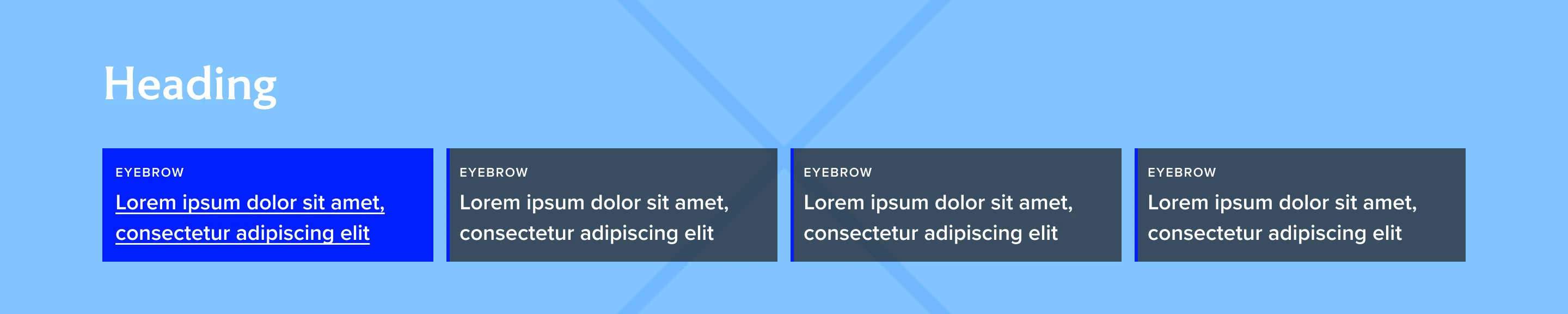
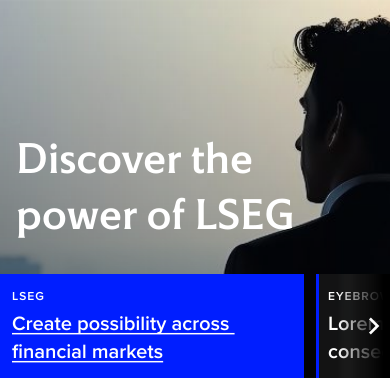
Multi-item hero banner are designed to be used in the LSEG and sub-brand homepages in the same place as the hero component but never together.
A multi-item hero banner consists of 2 to 4 links, each link has a corresponding background image that is shown when the link is in focus. The multi-item hero does not auto-rotate.
When not to use
If the page is not a main landing of any sub brands or a campaign page, do not use this component. Use default hero banner or a billboard instead.
Usage (billboard)
When to use
Multi-item billboard are designed to be used as an alternative option to billboard when more items are needed to show under different topics.
As similar to multi-item hero banner, multi-item billboard also consists of 2 to 4 links, each link has a corresponding background image that is shown when the link is in focus. The multi-item hero does not auto-rotate.
When not to use
Multi-item billboards are used when something needs to be spotlighted within the content area of the page. they are not placed at the top of the page
General Do’s

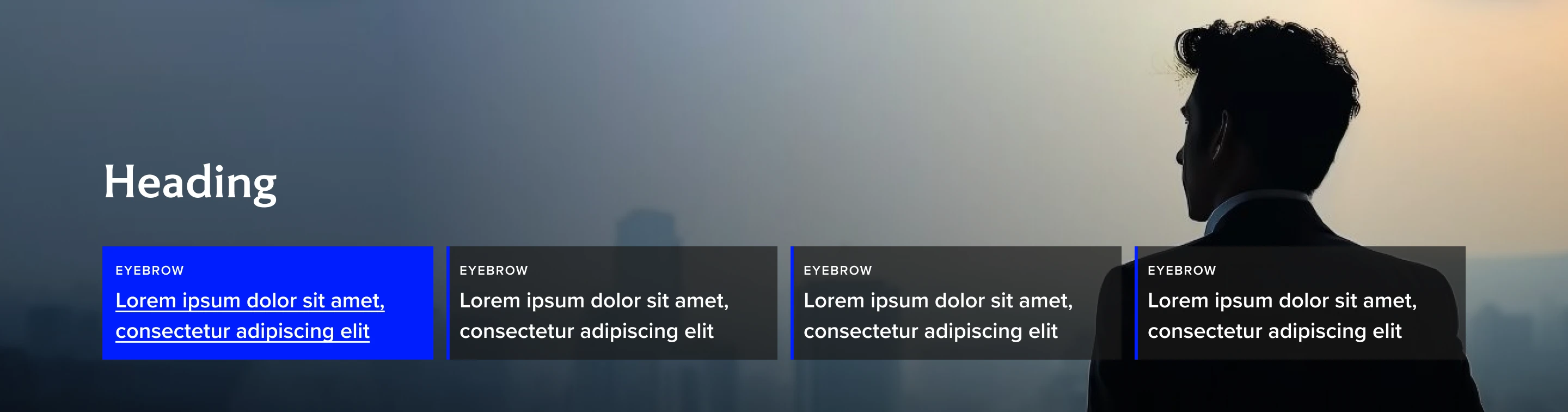
Provide enough contrast so the copy is readable. Use the dark and light versions accordingly.
To create more contrast, when needed, use a gradient on the background image.
Good to restrict the tile content to 60 characters to avoid truncation.
Use descriptive titles and headings.
General Don’ts

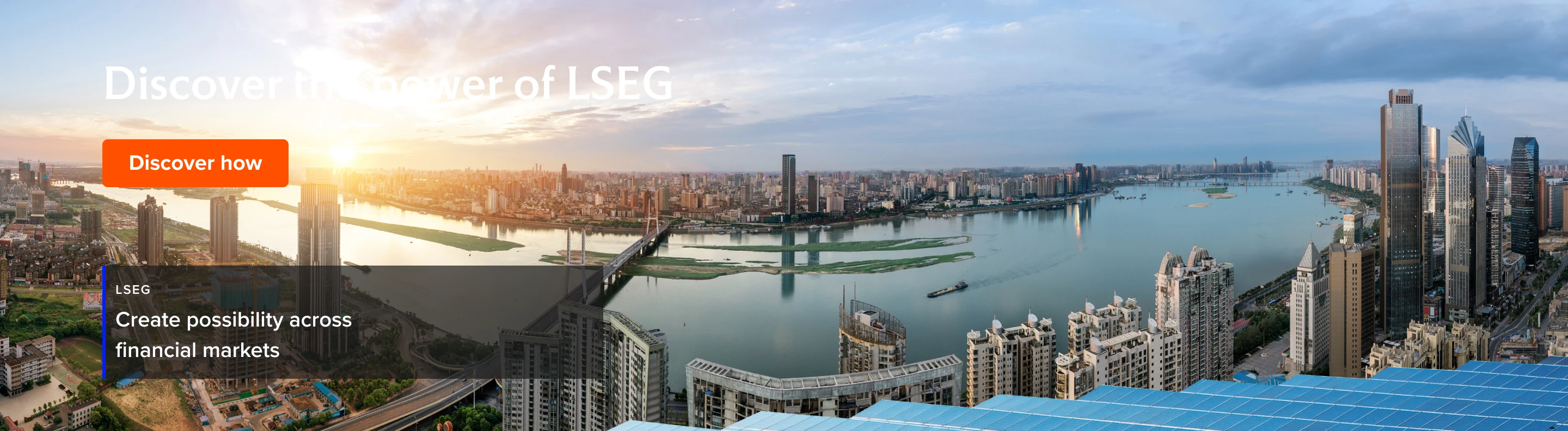
Do not use this component for single topic/title.
Avoid using CTA buttons/links.
Example
Do
Don't
What is the difference?
Multi-item hero
H1 is used for title
Title is mandatory
Multi-item Billboard
H2 is used as title
Title is optional
Examples
Hero banner
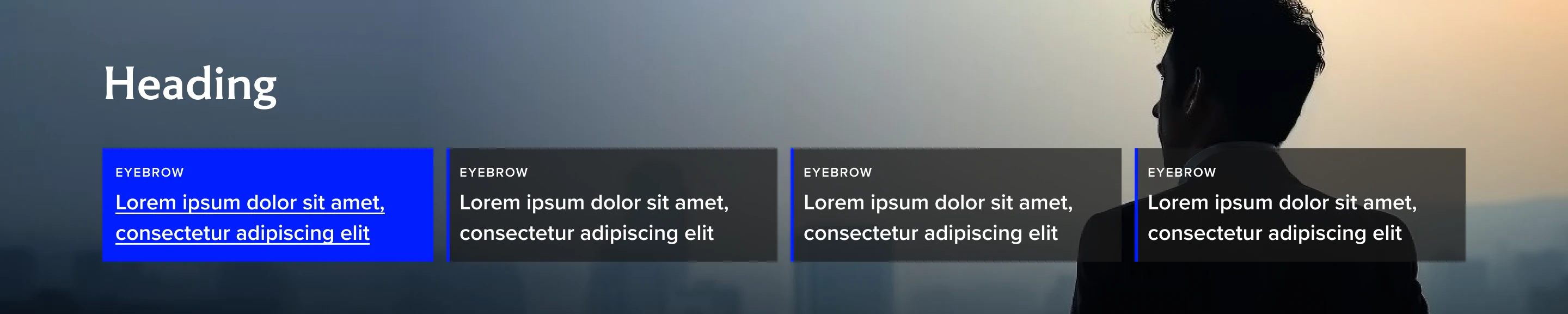
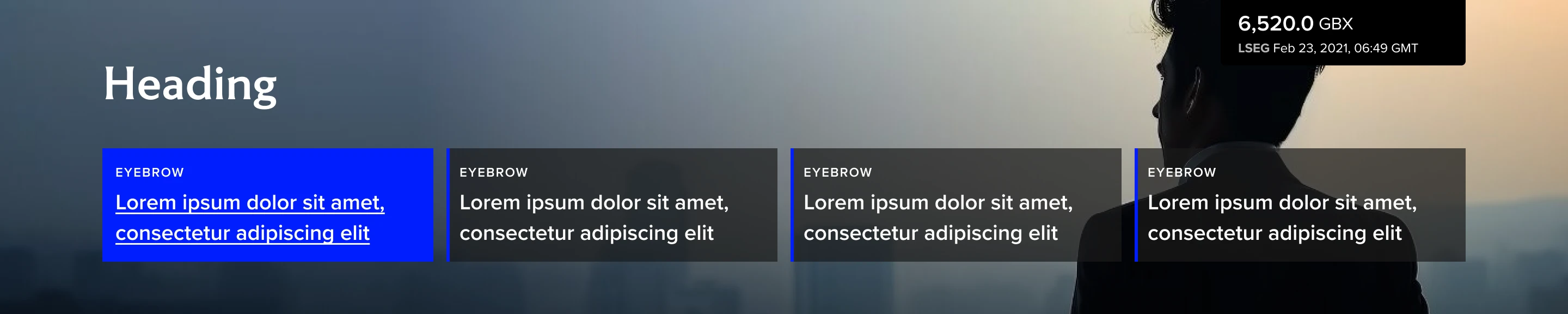
Hero banner with Share price tracker option
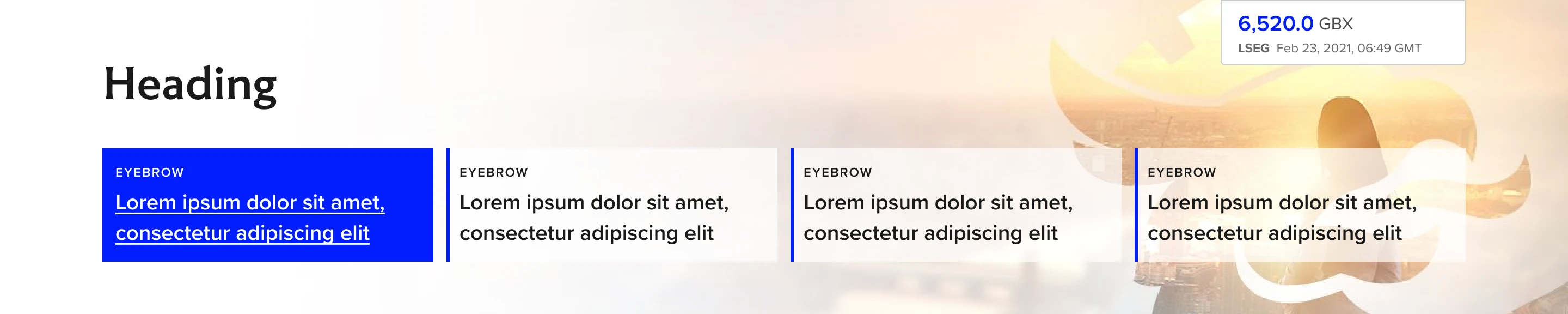
Billboard (with heading)
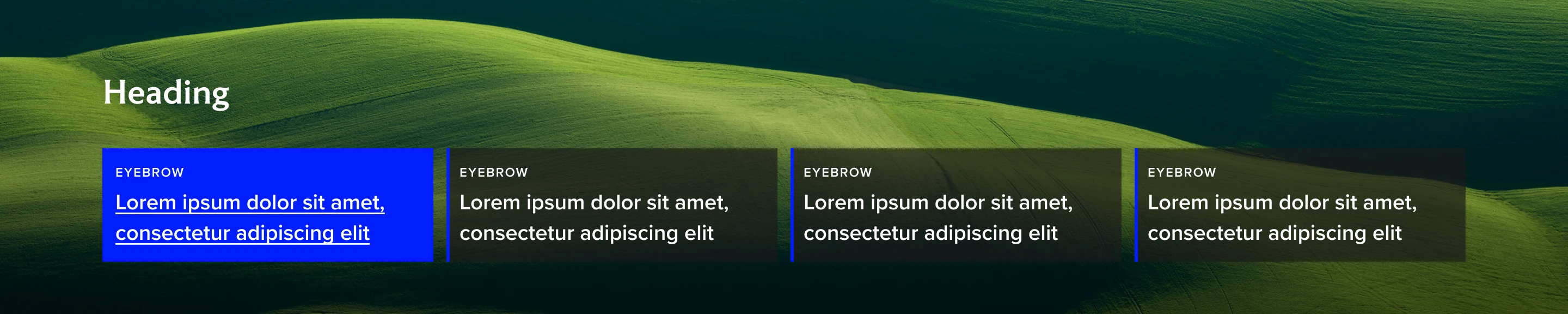
Billboard (Without heading)
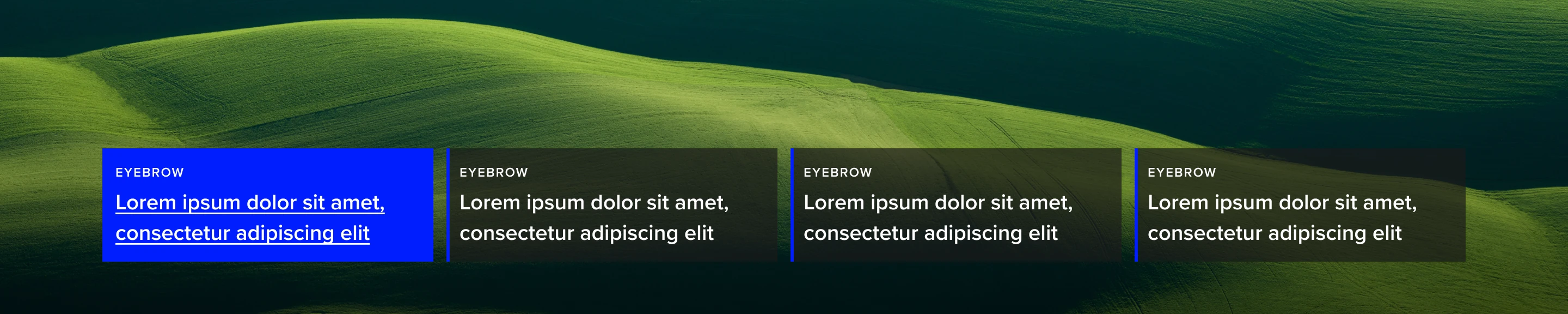
Multi-item banner and its gradients
Dark bottom
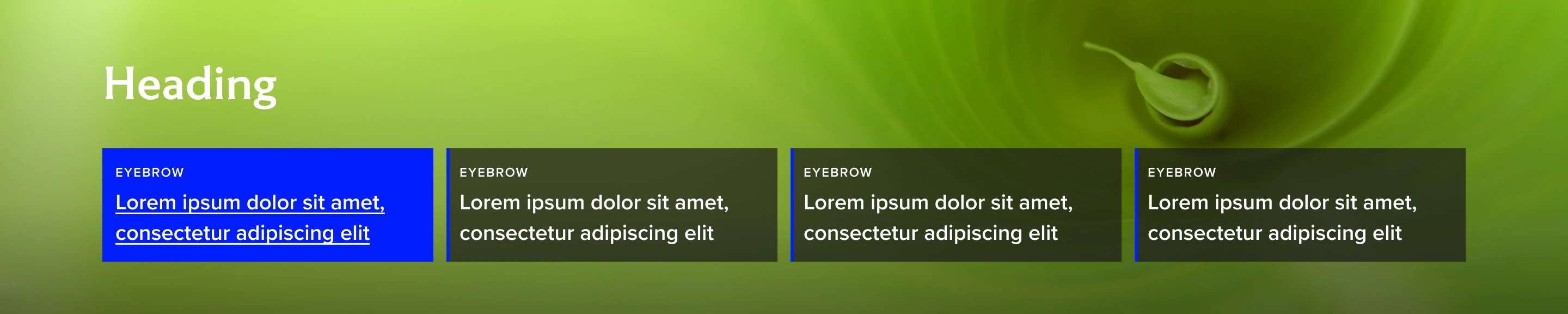
Dark left
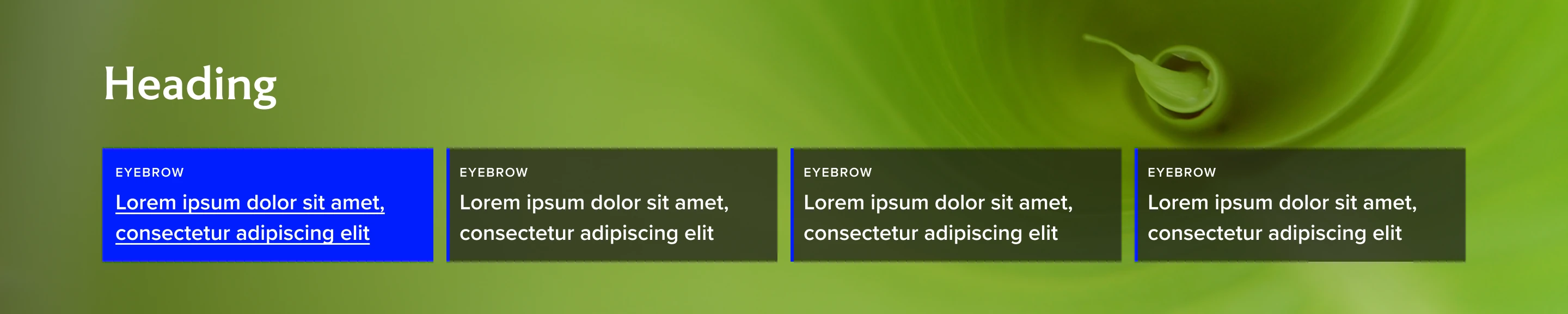
Light bottom
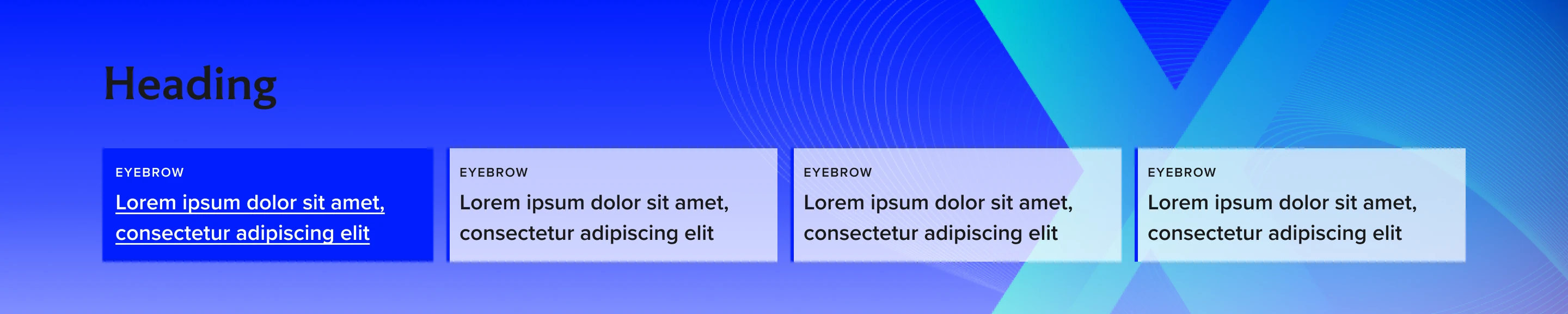
Light left
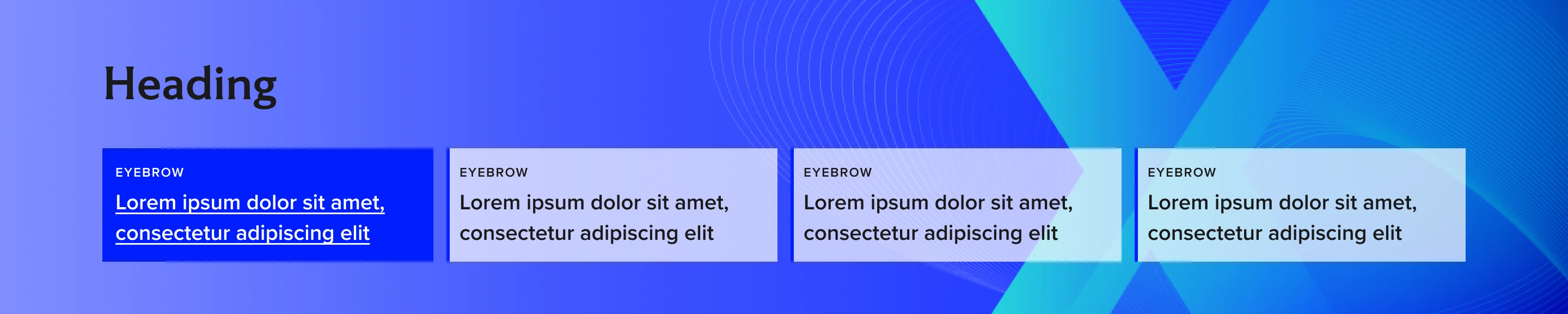
Height examples
Small (288px)
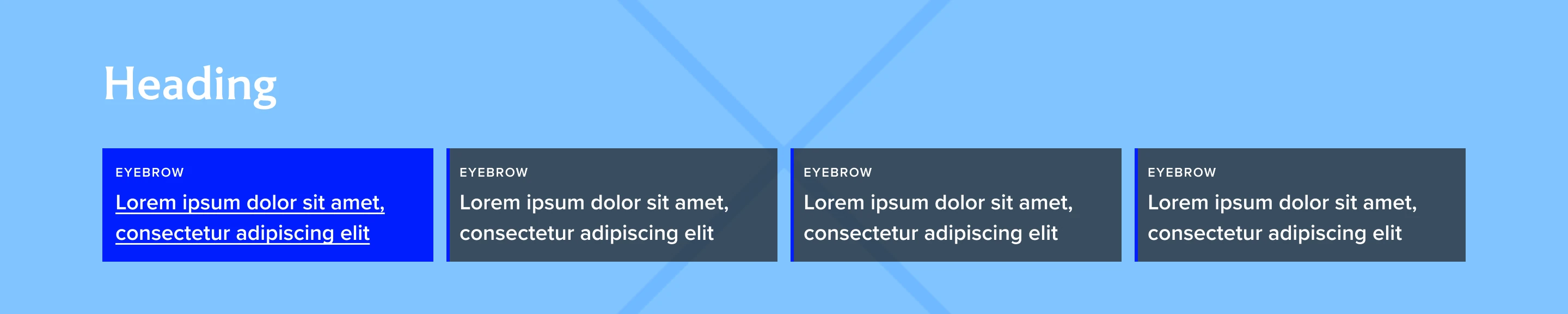
Default (378px)
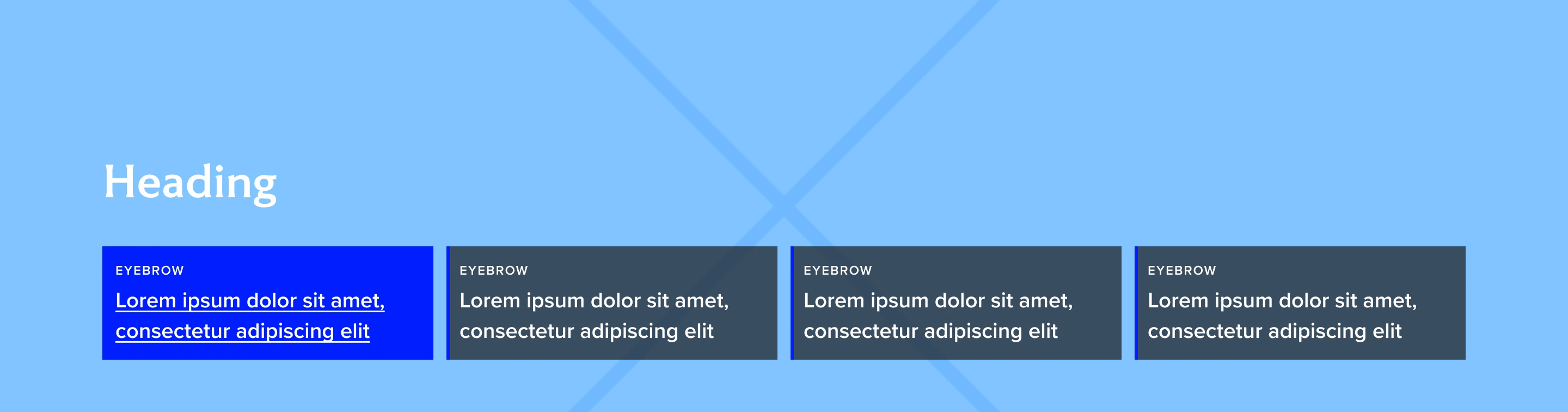
Medium (550px)