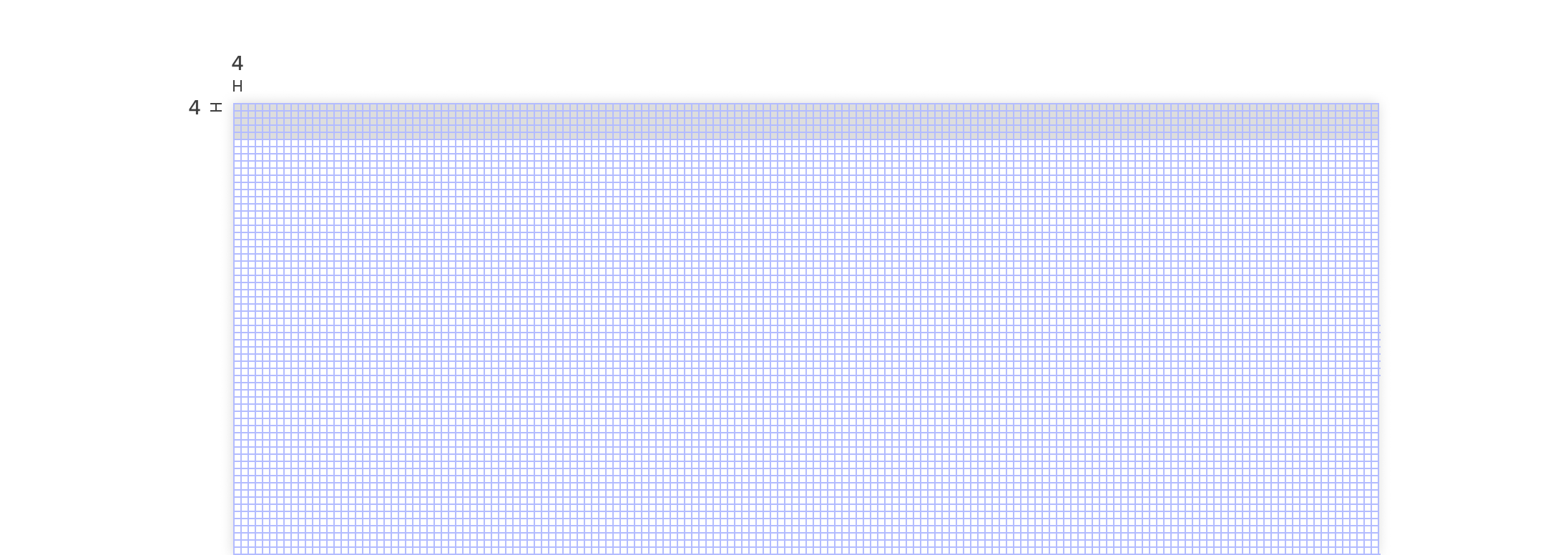
Baseline grid
Button’s are our main CTA. We want to use buttons to lead our user’s into the right direction. But of course we don’t know which direction that is and, furthermore these directions are not the same for every user. Check the list below of all variants and a short explaination on when to use which.
Exceptions to the grid
Certain elements can be placed outside of the 4px grid when it’s centered within a component, such as a button or list item. When placed outside of the grid but centered within a component, text can still appear vertically center-aligned.

Columns
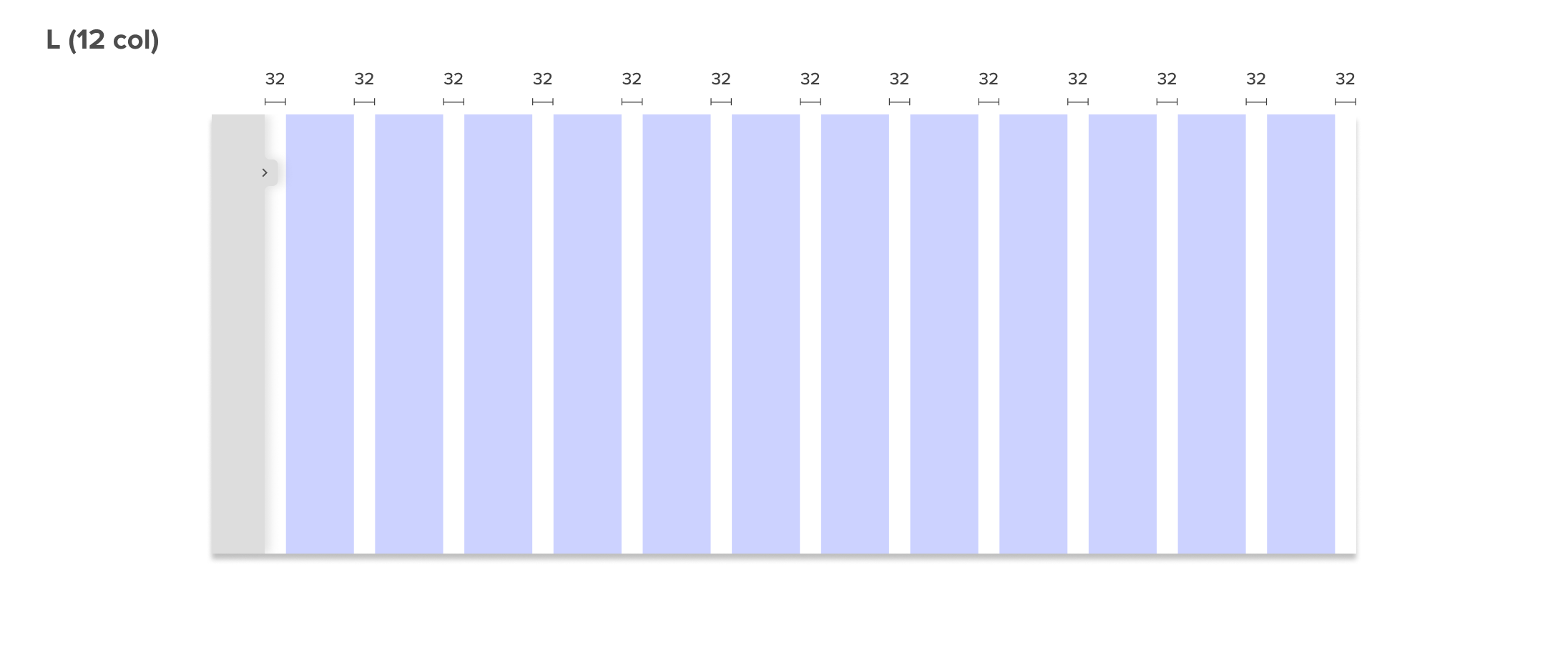
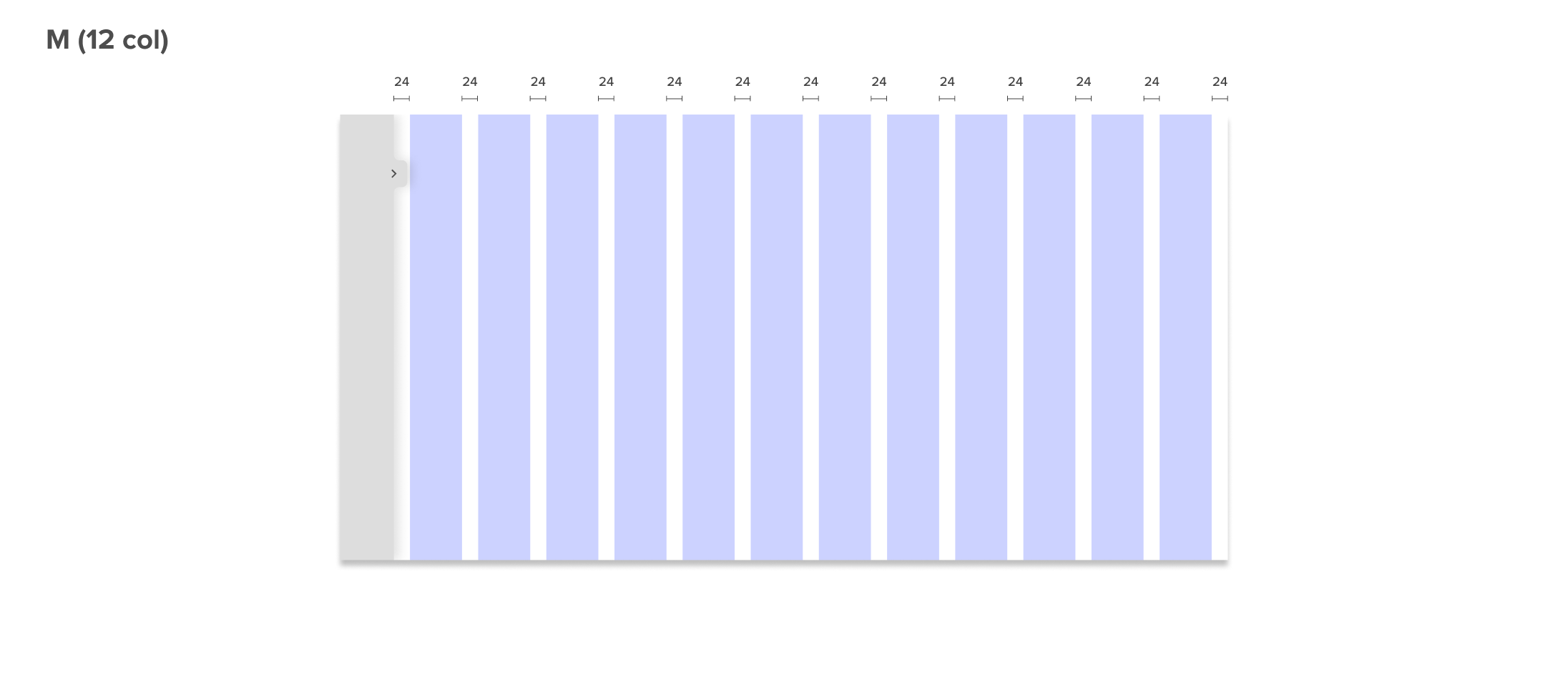
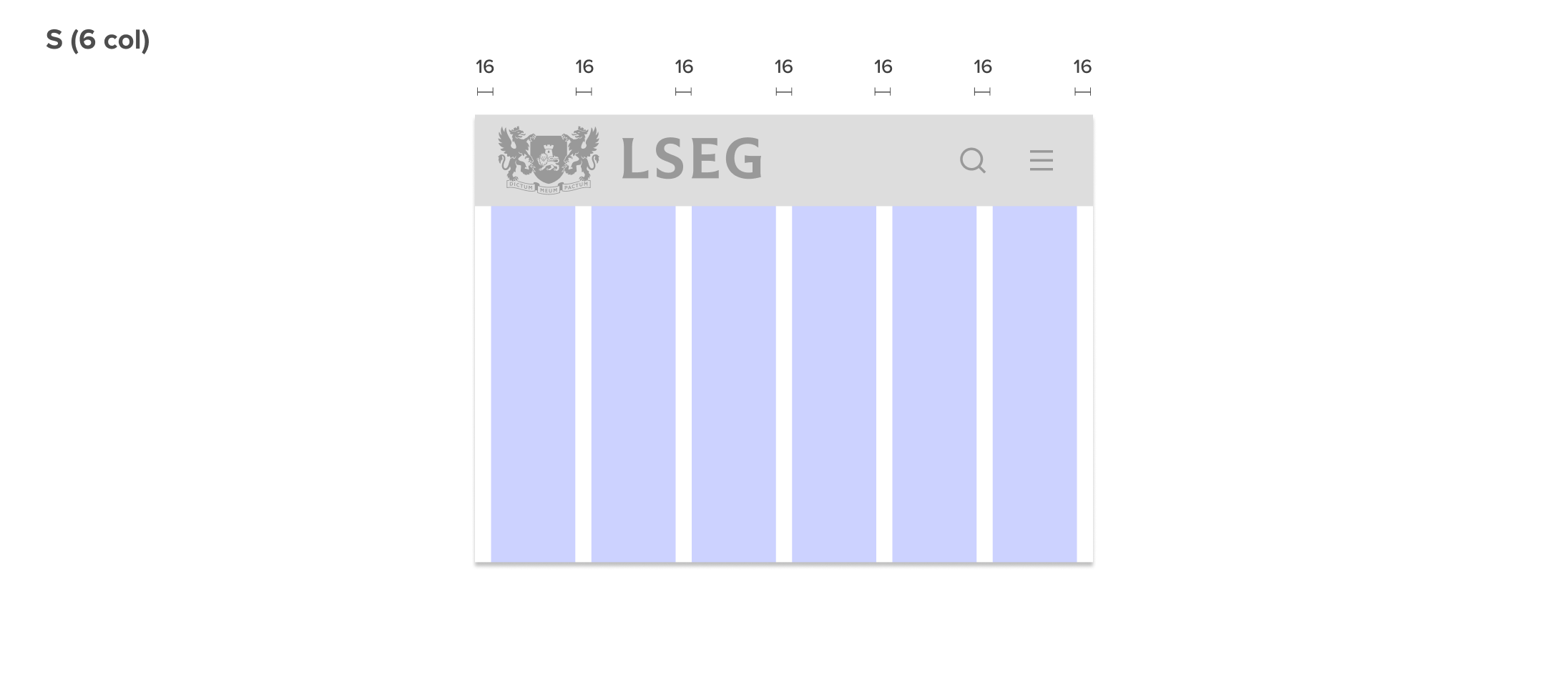
Next to the grid we’re using columns. 12 for screens 769px or larger, 6 columns for screens between 481px and 768px, and 2 columns for screens 480px or smaller. Each column margins and gaps per breakpoint. The width of the columns stretch within each respective breakpoint, see below.